Register client organizations
As a partner, create organizations for your clients that inherit your brand and stay separate from each other.
A partner organization can register a client organization for each customer it manages. Every client starts on the partner's own brand.
Who can do this#
Your organization needs to be a partner organization. An admin or an owner can register a client.
Register a client#
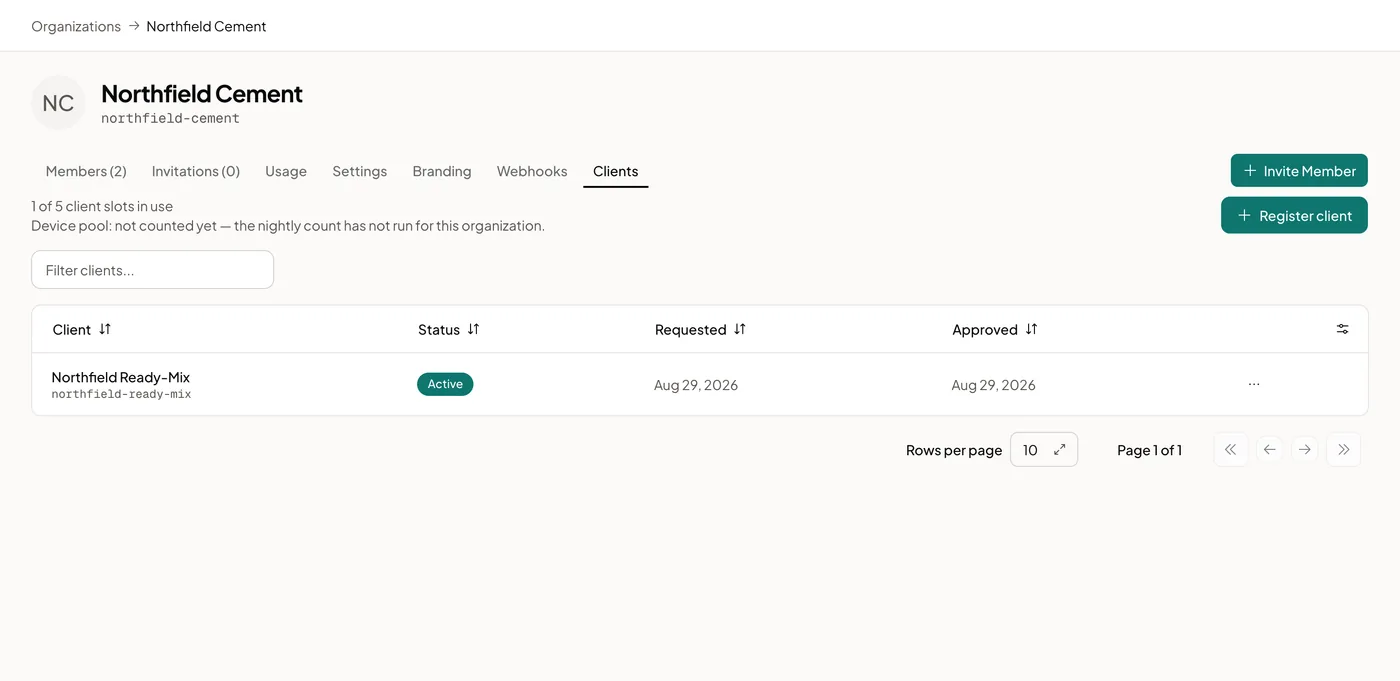
- Open Organization and select the Clients tab.
- Select Register client.
- Enter the Organization name and the Owner email.
- Select Register client to confirm.
Logable generates the client's slug for you and emails the owner an invitation. The client starts on the platform's default limits.
What the client inherits#
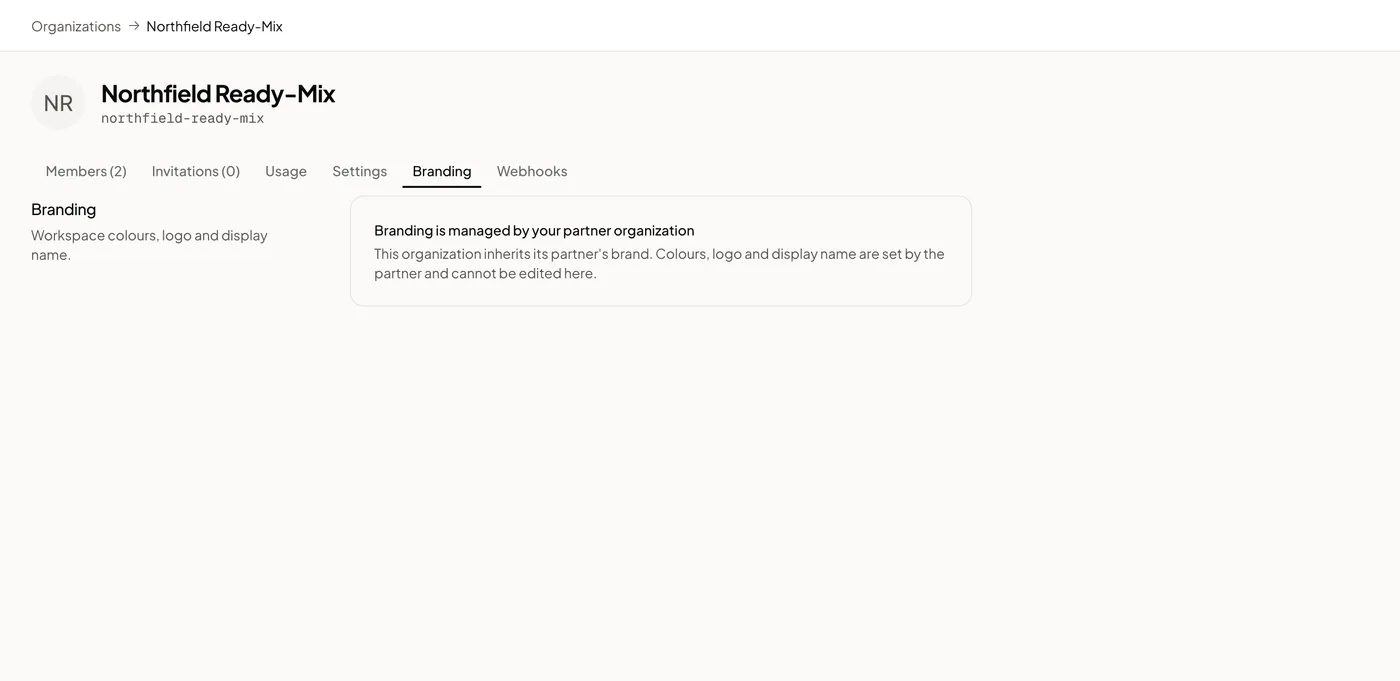
A client inherits your brand colour, logo and radius. Its own Branding tab shows this instead of the branding form:
What stays separate#
Devices, dashboards, members, and alerts stay with each organization. Nothing you add to a client shows up in another client, or in your own organization.