Invite your team
Add a colleague to your organization with the right role, and change or remove them later.
Before you start#
Logable or your partner sets your organization up and invites you into it. There is no self-serve way to create another one. If you work across more than one site, switch between organizations from the header.
Invite#
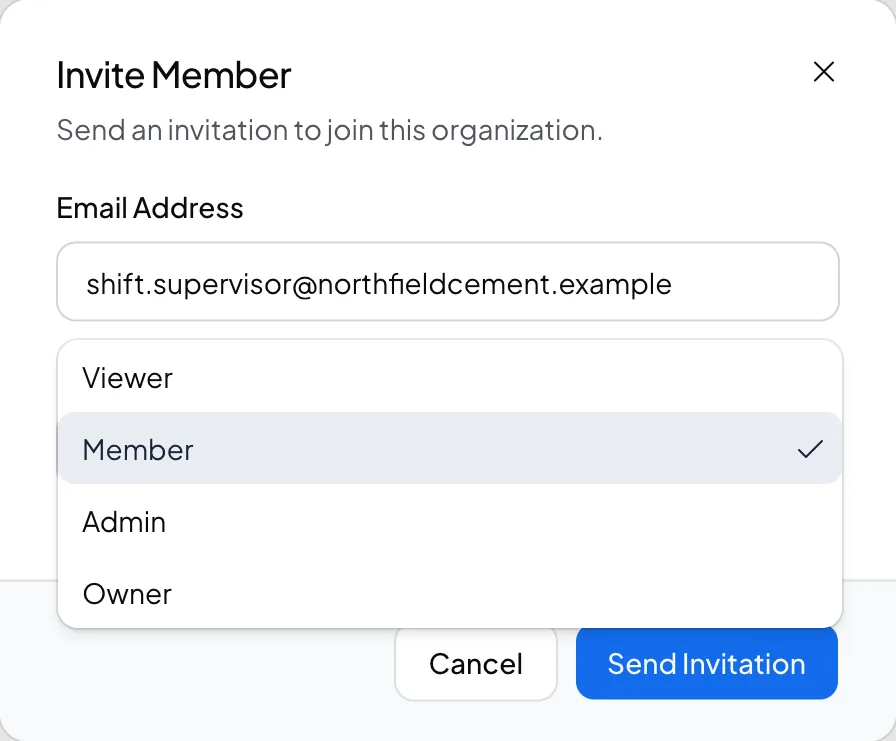
- Open the Organization page and select the Invitations tab, or select Invite Member.
- Enter the person's Email and pick their Role.
Only an owner can invite a new member.
Manage members#
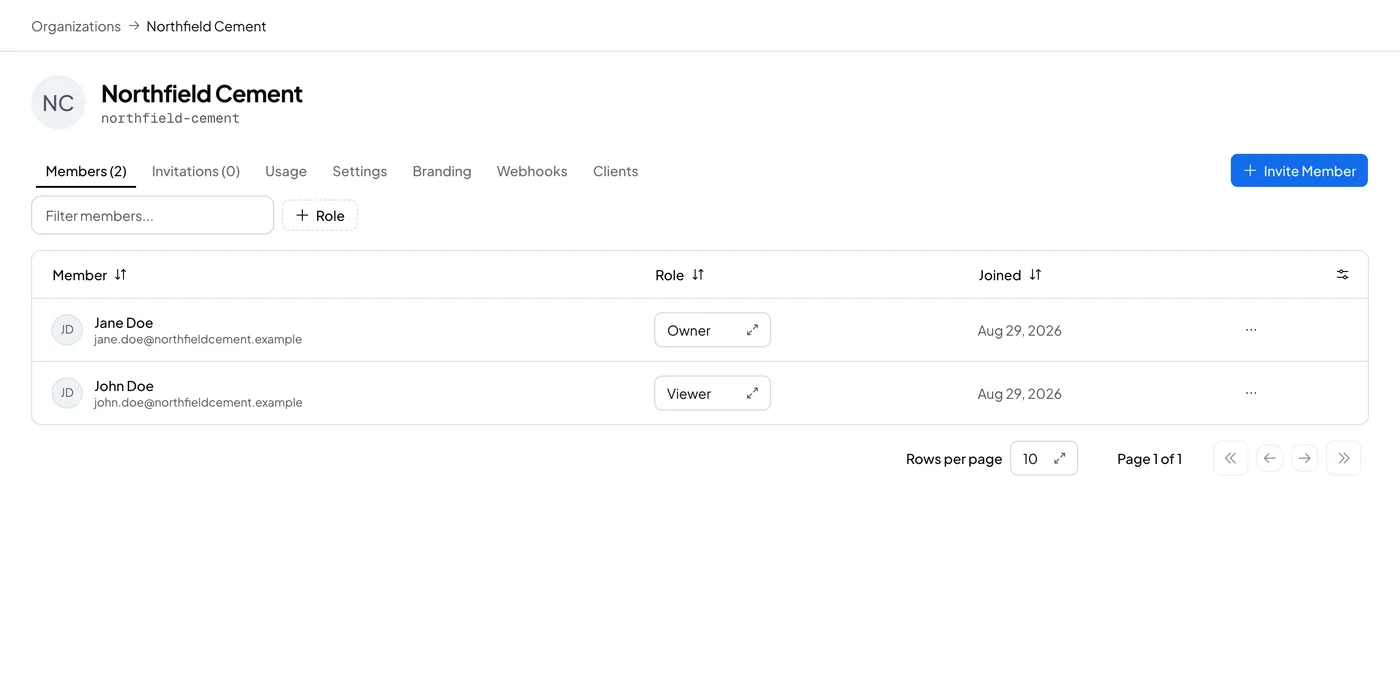
Open the Members tab to see everyone in your organization. Change a person's role inline from the table. Select Remove member to take someone off the organization. There is no self-service way for a member to leave; removing them is the way to end their access.
Pick the role#
- Viewer: reads dashboards, alerts and devices. Cannot change anything.
- Member: views resources, manages alert rules and presets, and can view escalation policies.
- Admin: manages devices, streams, webhooks and escalation policies. Views members but cannot invite or remove one.
- Owner: full access, including invitations, tokens and branding.
See Understand roles for the full breakdown.