Every pump, watched.
Pressure and flow, wherever you are.
A pump tells you what it is doing through what it pushes against, what it moves, and what it draws. Logable watches all three and raises the alert while the trip out is still a fix.
- Before the seal
- the alert fires under the rated pressure
- Every pump
- the plant room on one screen
- The trip is a fix
- you know what is wrong before you leave
The pump runs all night against a closed valve.
Transfer Pump 1 reads 5.67 bar against a 6 bar rating. Nobody is in the plant room, and the seal is the thing that finds out first.
- Pressure, flow and power togetherOne glance says whether the pump is doing work or fighting something.
- The alert comes with room to actIt fires at 90 percent of the rated pressure, not at failure.
- The history explains the failureA week of pressure and flow shows a blockage building rather than appearing.
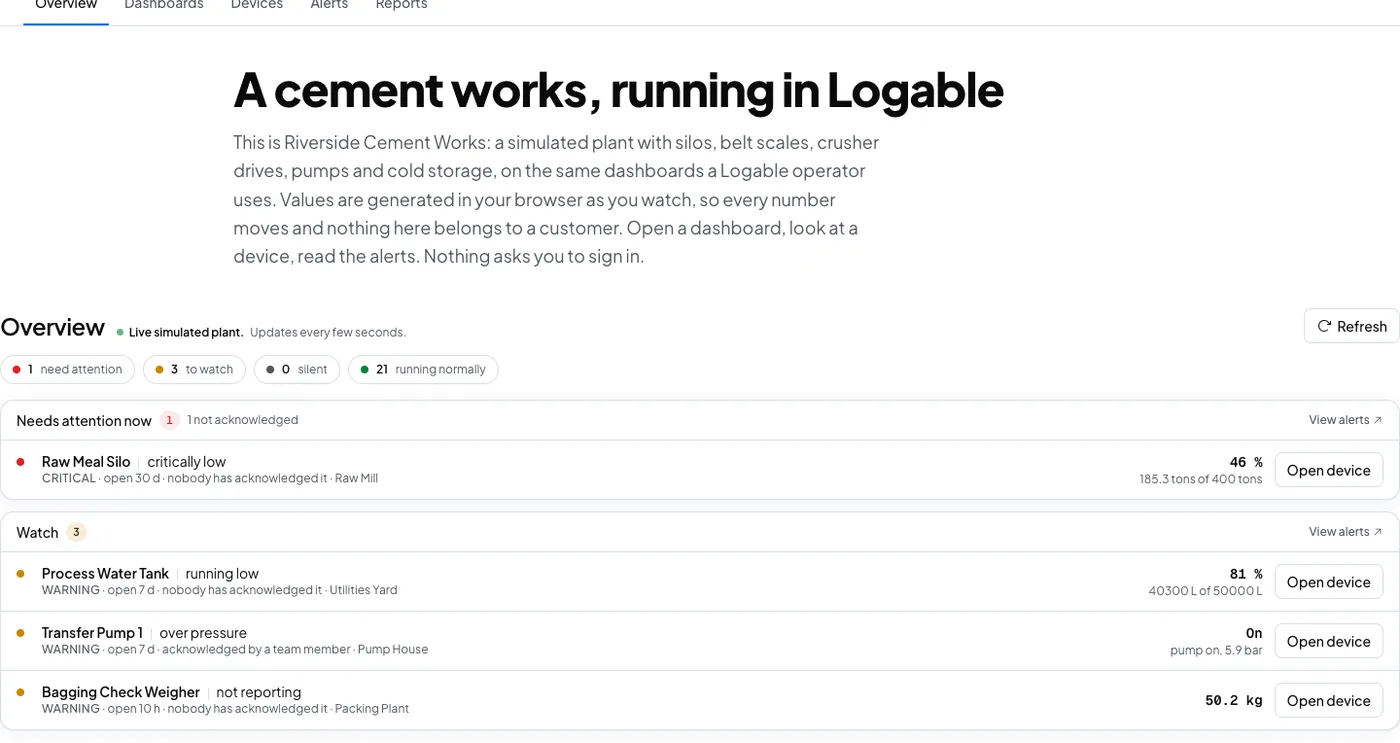
The pump, the meter and the drive
Pressure alone is ambiguous. Flow on the supply and power at the motor turn it into an answer.
A pump fighting a closed valve says so before the seal fails.
Discharge pressure, flow rate and power draw, against the rating you set.
A supply running out is caught upstream of the pump.
Instantaneous flow and the total volume through the line.
A motor heading for a trip is visible before it trips.
Speed, power draw and winding temperature on the pump's own drive.
What to collect from a pump
Four readings separate a pump doing work from a pump doing damage.
| Reading | Unit | What it tells you | Where it comes from |
|---|---|---|---|
| Discharge pressure | bar | what the pump is pushing against | the transmitter on the discharge line |
| Flow rate | L/min | whether the pump is actually moving water | the inline flow meter |
| Power draw | kW | how hard the motor is working for that duty | the panel's power meter or the drive |
| Supply flow | L/min | whether the supply side is running out | the meter on the supply line |
From the discharge line to the phone
A pressure transmitter on the discharge line and a meter on the supply feed a gateway on the plant network. The gateway publishes to Logable, and the alert reaches whoever is on shift.
- Pressure transmitterDischarge line
- Modbus TCP
- GatewayPolls · Publishes
- MQTT, encrypted
- Logable CloudRules · History
- Push · Email
- PhonePush · 5.67 bar
One Logable device is one pump. A plant room with four pumps publishes to four device topics, so each pump carries its own rating, its own alerts and its own history.
The gateway on the plant network
| Protocol | How it reaches Logable | Notes |
|---|---|---|
| MQTT | Direct to Logable | The gateway publishes to Logable over MQTT with TLS, on port 8883. |
| HTTPS | Direct to Logable | A gateway or a logger can post the same reading to the Logable API instead. |
| Modbus TCP | Through a gateway | A pump panel's Ethernet output is polled by the gateway, never by Logable. |
| Modbus RTU | Through a gateway | An RS-485 transmitter is polled by the same gateway. Logable stays above it. |
A 4-20 mA pressure transmitter reaches Logable through a gateway or a PLC that already reads it. The gateway polls on the plant side and makes one outbound TLS connection on the other. Nothing is written back to the pump's control panel. See how to connect a PLC or a Modbus device via a gateway.
The plant room on one screen
Pressure, flow and power for every pump, with the supply meter beside them.
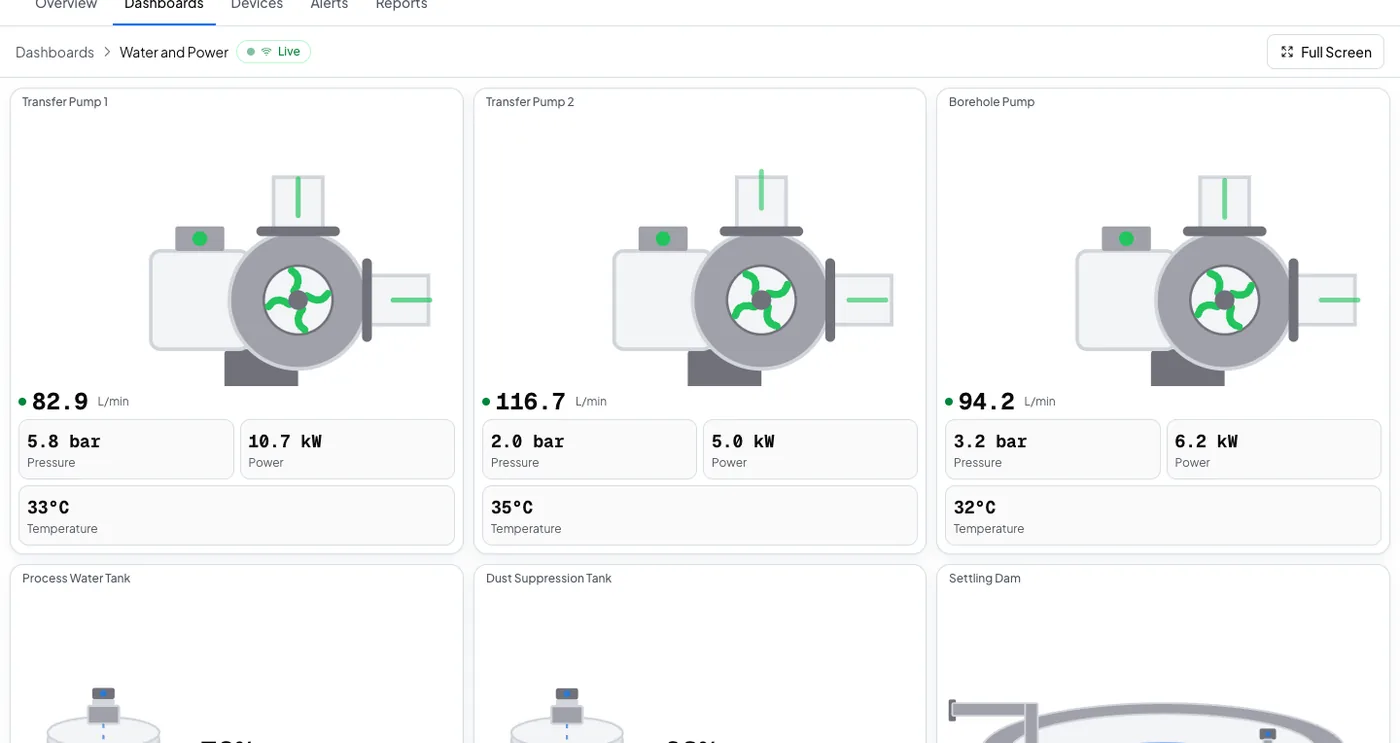
Find the closed valve before the seal does.
Pressure climbing while flow falls is a pump in trouble. Logable sees it at the limit you set, and tells the person who can act.
The alerts a pump is worth having
Three presets cover the blockage, the supply and the silence. The fourth failure, a pump running with no flow, is shown rather than alerted, and the FAQ says why.
- Over pressure
Tells you when discharge pressure reaches 90 % of the pump’s rated maximum.
- Low flow
Tells you when flow drops to the low threshold you set on this meter.
- Not reporting
Tells you when this device stops sending data, and again when it comes back.
The plant room is empty. The pressure is in your pocket.
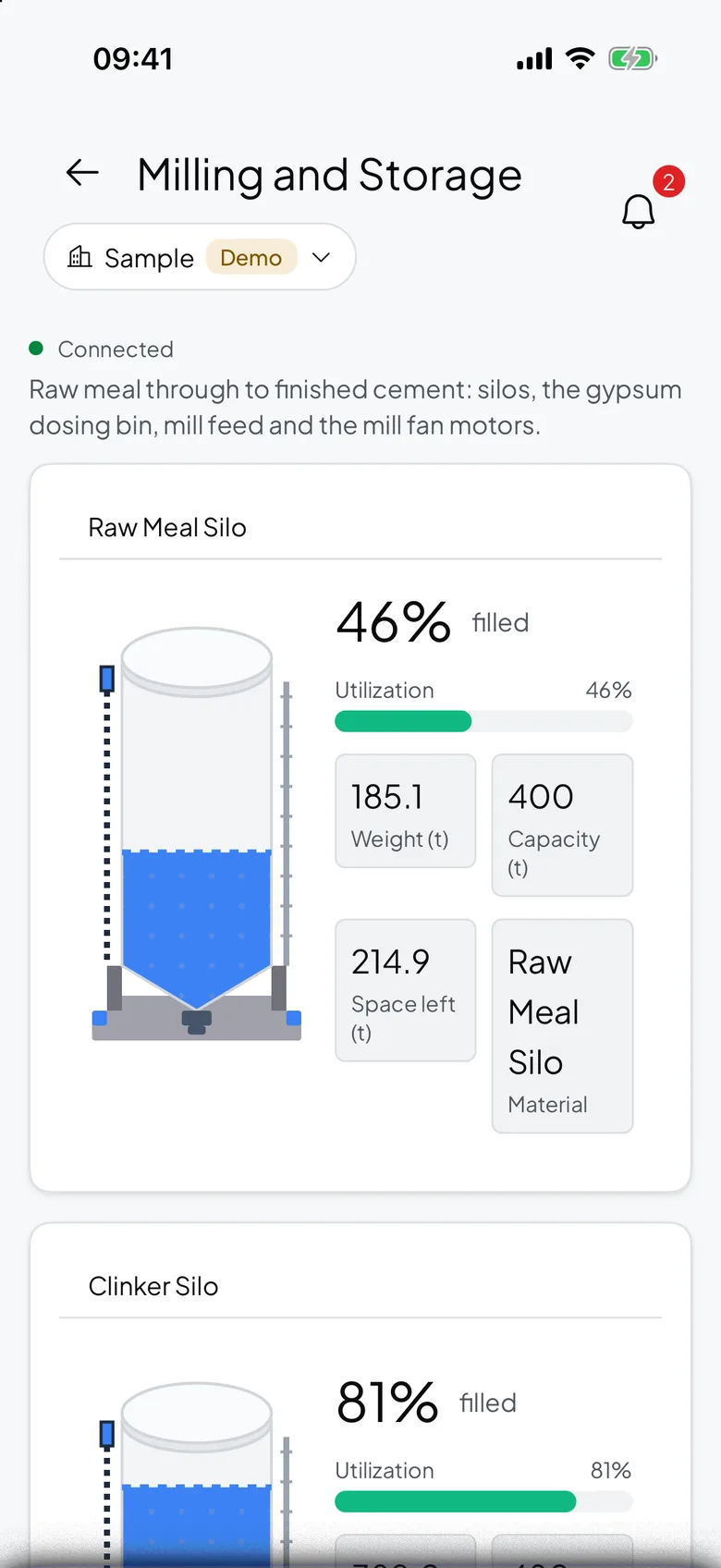
Transfer Pump 1 passes 90 percent of its rated pressure and the push carries the pump and the reading, so the drive out is a fix rather than a check.
- The reading, not just a pingThe push names the pump and the pressure, so you know what to take with you.
- Acknowledge onceThe reminders stop, and the next person is told if nobody acts.
- Flow beside pressureThe app shows both, so a pump pushing hard and moving nothing is obvious.
What goes wrong, and what changes
Three failures a plant room finds late, and the preset for each.
| What happens | What you see today | What Logable does |
|---|---|---|
| A pump runs against a closed valve. | The seal fails, and the failure is found on the next round. | The over pressure alert fires at 90 percent of the rating, with the reading in it.Over pressure |
| The supply line starts running dry. | The pump keeps running until something fails. | The low flow alert on the supply meter fires at the threshold you set.Low flow |
| The gateway loses power. | The dashboard keeps showing the last reading and looks healthy. | The not reporting alert names the pump that went quiet, and says when it returns.Not reporting |
Pump operations
Pressure and flow over the week, with volume and uptime per pump.
What it costs to watch ten pumps
Sized by how many devices report, not by how many pump houses they sit in.
The trial runs 14 days with 5 devices and Growth features, and asks for no card. Industry plans are quoted per site.
The gateway and the pressure transmitter are bought once from your supplier and are not a Logable cost.
Frequently asked questions
What teams ask before they connect the first device.
Add the pump as a device, set its rated pressure and flow, and send discharge pressure, flow rate and power. A gateway reads the transmitter or the panel and publishes over MQTT. The dashboard updates live, and the alert reaches a phone.
No, and here is why. A dry run is two facts at once: the pump is running, and there is no flow. An alert rule reads one metric at a time, so no single rule expresses it. What Logable does instead is show the state: the pump tile on the Overview reads no flow, with the discharge pressure beside it, whenever a pump is running and its flow rate is at or below zero. The flow meter's low flow preset covers the supply side, which is where a dry run usually starts.
The preset fires at 90 percent of the maximum pressure you set for that pump, and clears at 80 percent. That gap is wide enough that normal pressure swings do not reopen the alert. Both numbers are yours to change.
Yes. Each pump is its own device with its own rating and its own alerts, and a dashboard holds as many as you put on it. The Pump template lays out pressure, flow and power for one pump, and the same layout repeats per pump.
No. The gateway reads what is already there, and it writes nothing back. If the pressure reading already sits on a PLC, the gateway polls that value instead of a separate transmitter.
Also for tanks, boreholes and remote sites
Water Tank Monitoring
Live level, and the alert before a tank runs dry.
Learn moreBorehole Pump Monitoring
The same readings, on a farm nobody visits daily.
Learn moreRemote Monitoring
Watch equipment from anywhere, and let the alert find you.
Learn moreRunning pumps across a site like this? monitoring for water and utilities or read how to monitor a pump remotely.
Put the first pump on a dashboard
Connect the transmitter through a gateway, set the rated pressure, and add the preset.