Use a ready-made preset
Add a proven rule for your device type in two clicks, then adjust it if you need to.
A preset is a rule built for a device type. It saves you setting up the metric, condition, and severity yourself.
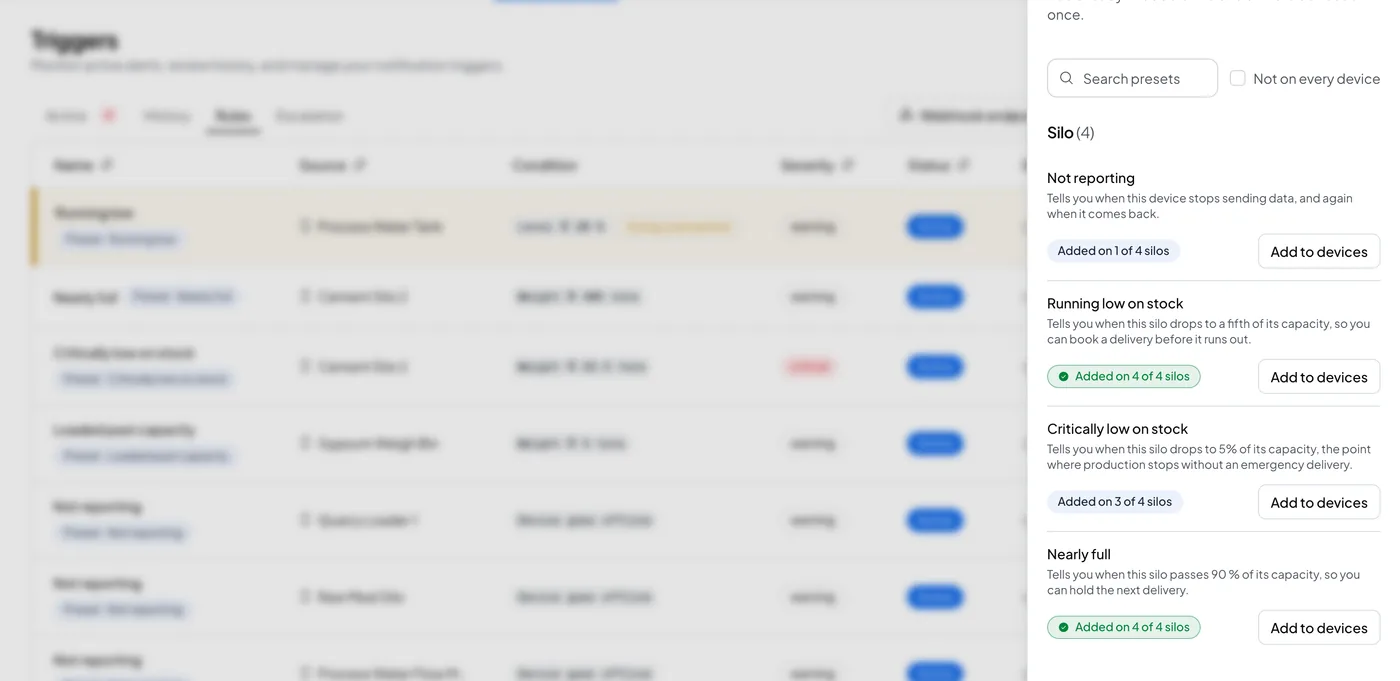
Browse presets#
- Open Triggers and select the Rules tab.
- Select Browse presets, next to Create Trigger.
- Presets are grouped by device type. Each preset shows a badge, "Added on N of M", so you can see how many of your devices of that type already have it.
- Pick a preset, choose which devices to add it to, and add it.
What a preset sets#
A preset fills in the severity, condition, repeat and recovery settings for you. Where a preset says so, it reads a value from the device's own configuration instead of using a fixed number. For example, a low-stock preset on a silo can set its threshold from the silo's capacity, so you do not have to calculate it.
Edit after adding#
Once you add a preset to a device, it becomes a normal rule. Open it on the Rules tab and change anything the same way you would change a rule you built from scratch.