Get the mobile app
What you can do from your phone, what stays on the web, and how alerts reach you.
Sign in with the same account you use on the web.
What it does#
From the app you can:
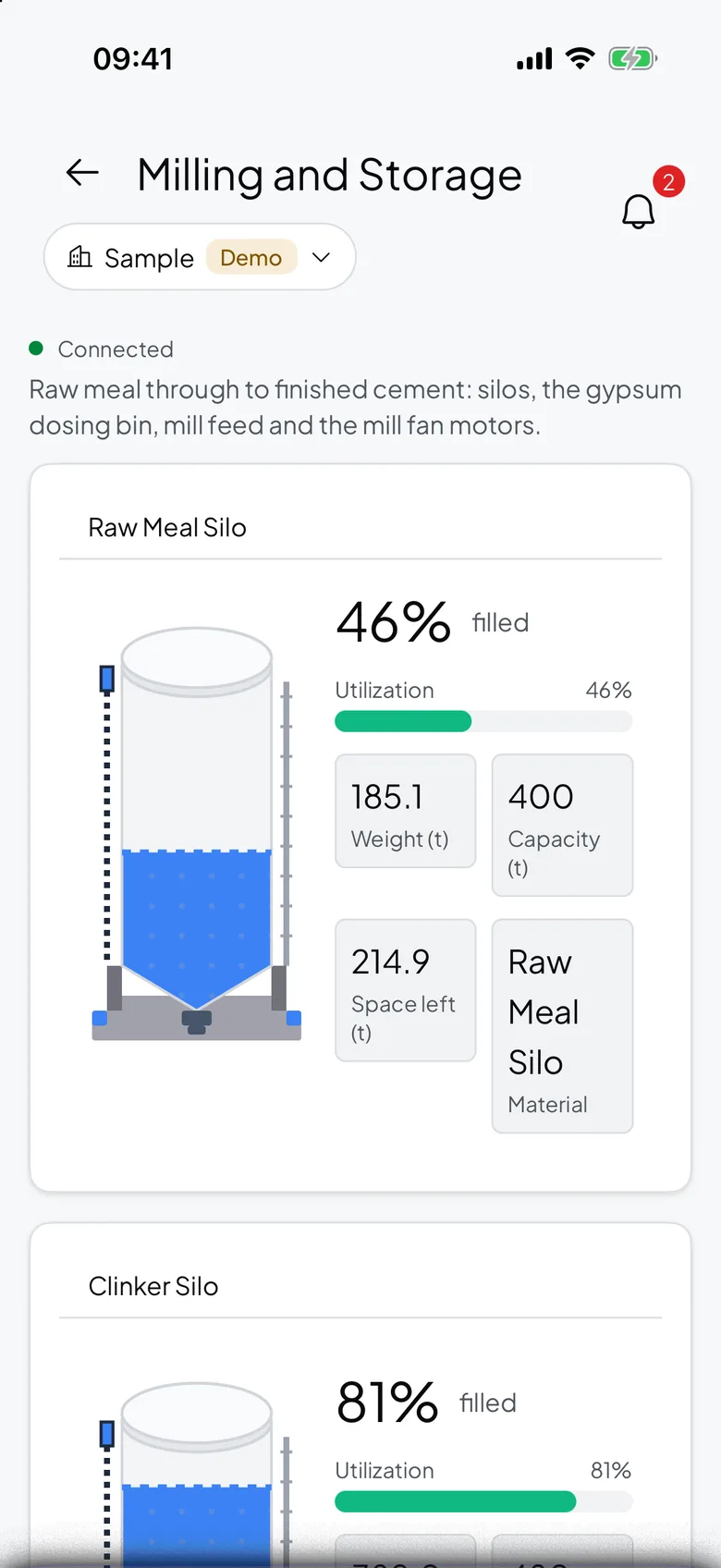
- View your dashboards.
- View devices and streams.
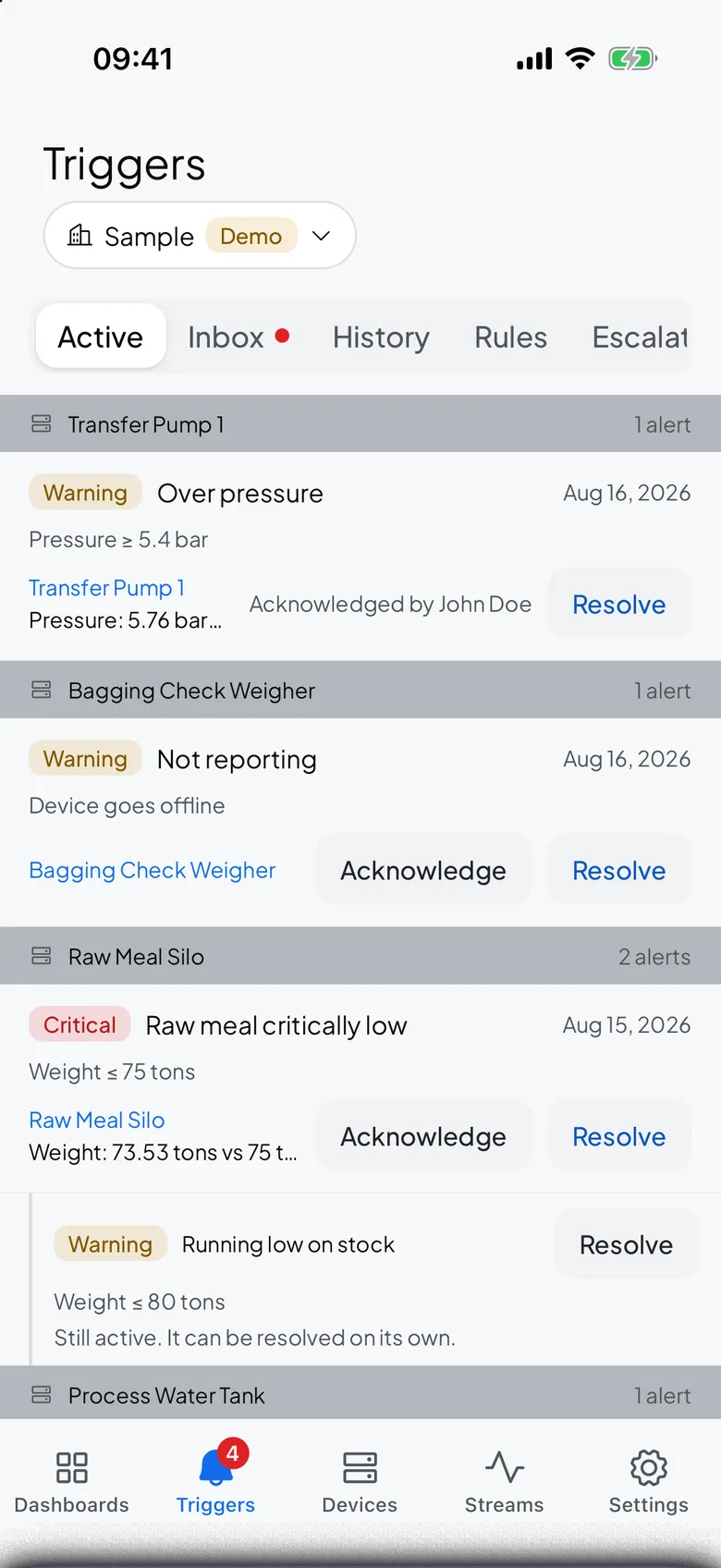
- View alerts, and manage rules, presets and escalation policies.
- Acknowledge and resolve alerts.
- Switch between organizations.
- Lock the app with Face ID or a fingerprint.
What stays on the web#
Some tasks need the bigger screen or are set up once and left alone:
- Building a dashboard and adding widgets.
- Adding a device or a stream.
- Managing device and stream tokens.
- Registering and managing webhook endpoints.
- Exporting data.
- Organization settings, such as branding and inviting members.
Push notifications#
Tapping a push notification opens the device or stream the alert came from. Quiet hours silence push only; email and in-app alerts still arrive on schedule. A critical alert always arrives, even during quiet hours.
App lock#
Turn on app lock to require Face ID or a fingerprint before the app opens. The app relocks itself after about a minute in the background, so it stays protected if your phone is picked up.