Detect pump failure remotely
The four ways a pump fails, what each looks like in the data, and which of them Logable alerts on rather than only showing.
A pump fails in four ways that look different in the data. Three of them have an alert. One of them does not, and this guide says plainly which.
1. It is pushing against something#
Discharge pressure climbs while flow falls. A closed valve, a blocked strainer or a shut discharge line all read the same way at the pump.
The alert: Over pressure, on the pump. It fires at 90 percent of the maximum pressure you set for that pump, and clears at 80 percent. Three agreeing readings in each direction, so one spike does not fire it.
What you do: find the closed valve or the blockage before a seal or the casing fails.
2. It stopped reporting#
No readings at all. The pump may be running perfectly, or it may be off, or the gateway may be dead. Silence is the one failure that looks identical to health on a dashboard.
The alert: Not reporting. Logable marks a device offline after five minutes of silence, or three times its own reporting interval when that is longer. It tells you again when the device comes back.
What you do: check the gateway, the SIM and the power at that site.
3. The supply is running out#
Flow on the supply line drops below what the pump needs. This is the upstream half of a dry run, and it is measurable on its own.
The alert: Low flow, on the flow meter, not on the pump. It fires at the low-flow threshold you set on that meter, in your own units, and clears at 120 percent of it.
What you do: check for a blockage or a dry supply before the pump runs dry.
4. It is running with no flow#
The pump is on, and nothing is moving. This is a dry run, and it is the failure that destroys a pump fastest.
What you do: stop the pump and find out why nothing is moving. Section 3's low flow alert on the supply meter is the closest thing to an early warning, and it is worth adding for that reason.
Putting the set on one pump#
| What fails | The alert | Where it goes |
|---|---|---|
| Pushing against a closed valve | Over pressure | On the pump |
| Nothing arriving at all | Not reporting | On the pump |
| Supply running out | Low flow | On the flow meter |
| Running with no flow | No alert. The Overview tile reads no flow | On the pump tile |
Add the first two from the pump's Triggers tab, under Browse presets. Add the third from the flow meter's own Triggers tab.
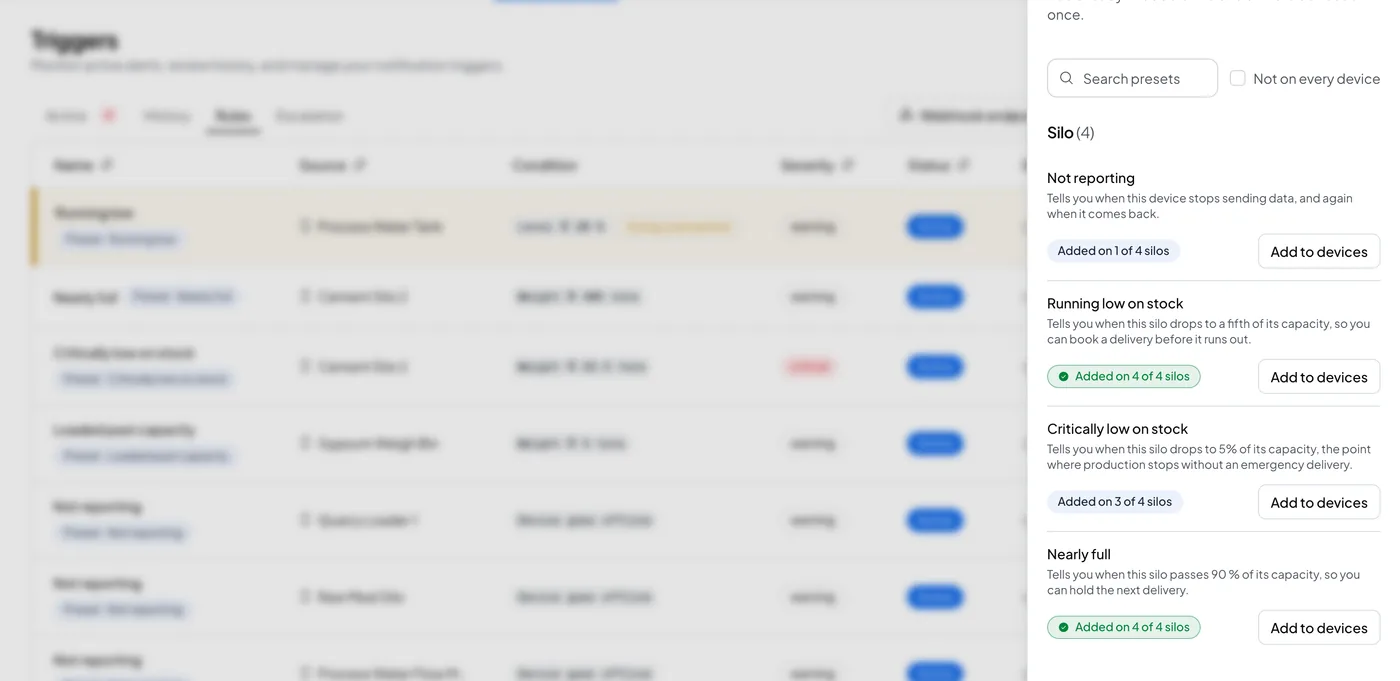
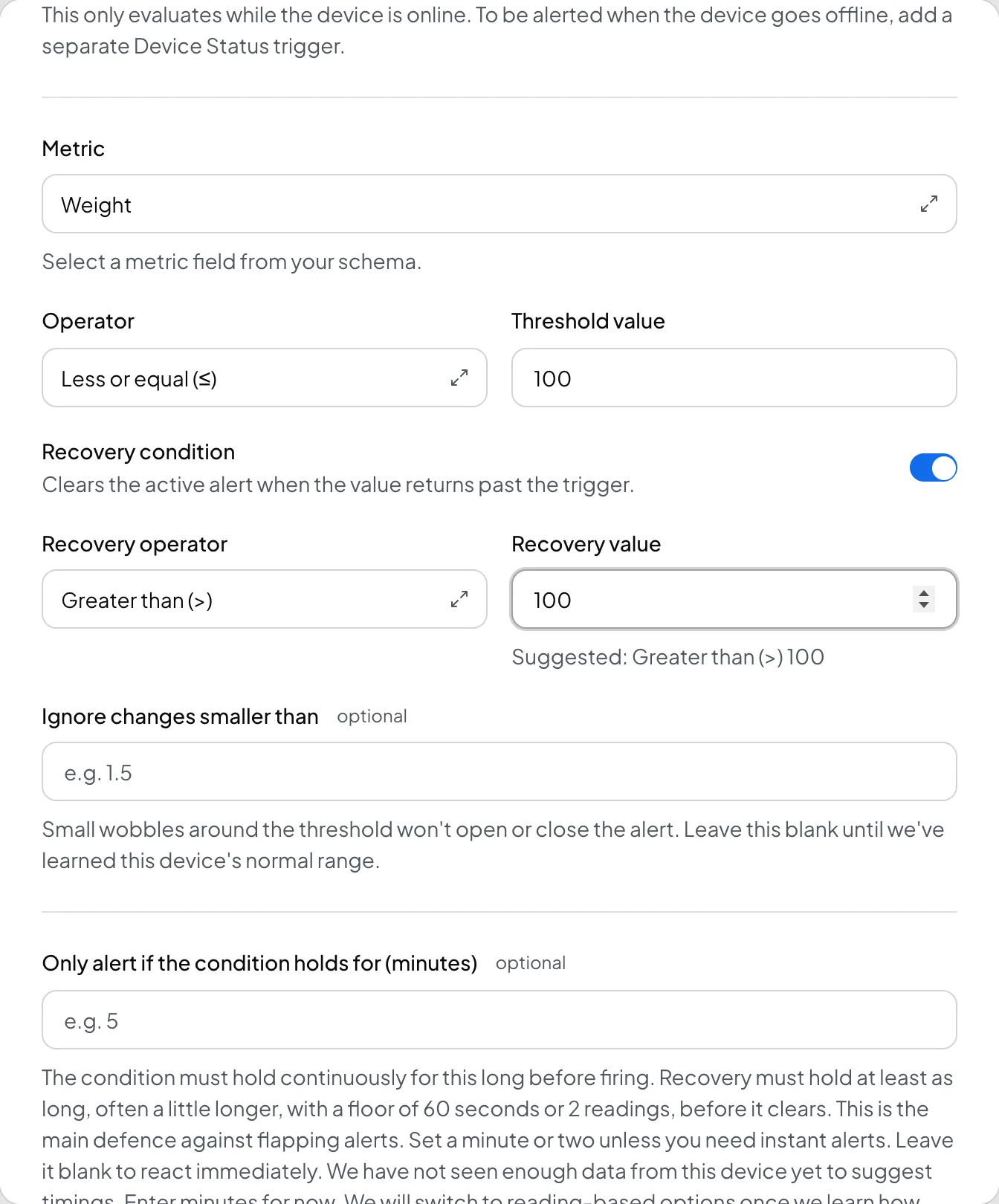
The over pressure preset sets a threshold at 90 percent of the maximum pressure you set for the pump. If your site needs a different number, select Create Trigger on the same tab and set the metric, the operator, the threshold, and the recovery condition by hand.
When an alert does not arrive#
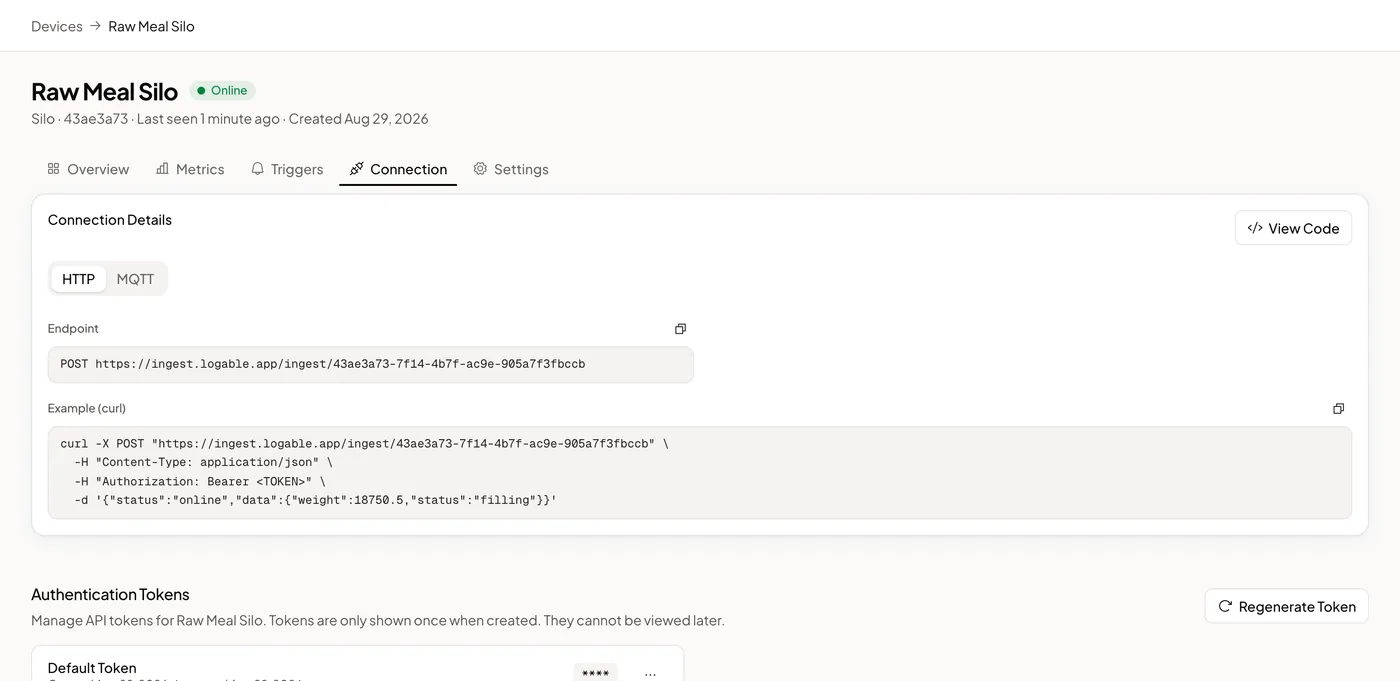
Open the device's Connection tab. The device log shows whether the readings arrived at all, and the reason for every rejection. An alert that never fires on a device that never reported is not an alert problem.
Read next#
- Pump monitoring, the whole picture for a site with several pumps.
- Borehole pump monitoring, the same failures on a farm.
- Monitor a pump remotely, the six steps to get a pump reporting.