Pressure climbing
finds the closed valve first.
A pump pushing against a shut valve reads high pressure and falling flow. Logable raises the alert under the rating, while the trip out is still a fix.
Equipment
One pump, with a pressure transmitter on the discharge line and a rated maximum on the device.
Water pump
pressure · flowRate
The reading
- Metric
- pressure (bar)
- Source
- the transmitter on the discharge line
- Cadence
- every ten seconds
The problem
Transfer Pump 1 reads 5.67 bar against a 6 bar rating, overnight, with nobody in the plant room. The seal is the part that finds out first.
Over pressure
Add it from the pump's Triggers tab. It needs the pump's maximum pressure, because the level it fires at is a share of that number.
over pressure
Fires at 90% of the maximum pressure you set for this pump, and clears once pressure drops below 80% of that. That gap is enough that normal pressure swings won't reopen the alert.
The response
Somebody finds the closed valve or the blockage before a seal or the casing fails. The alert carries the pump and the pressure.
- Sent by
- push, email and the in-app inbox
- Who is told
- the rule's recipients
- Stops when
- somebody acknowledges
On your dashboard
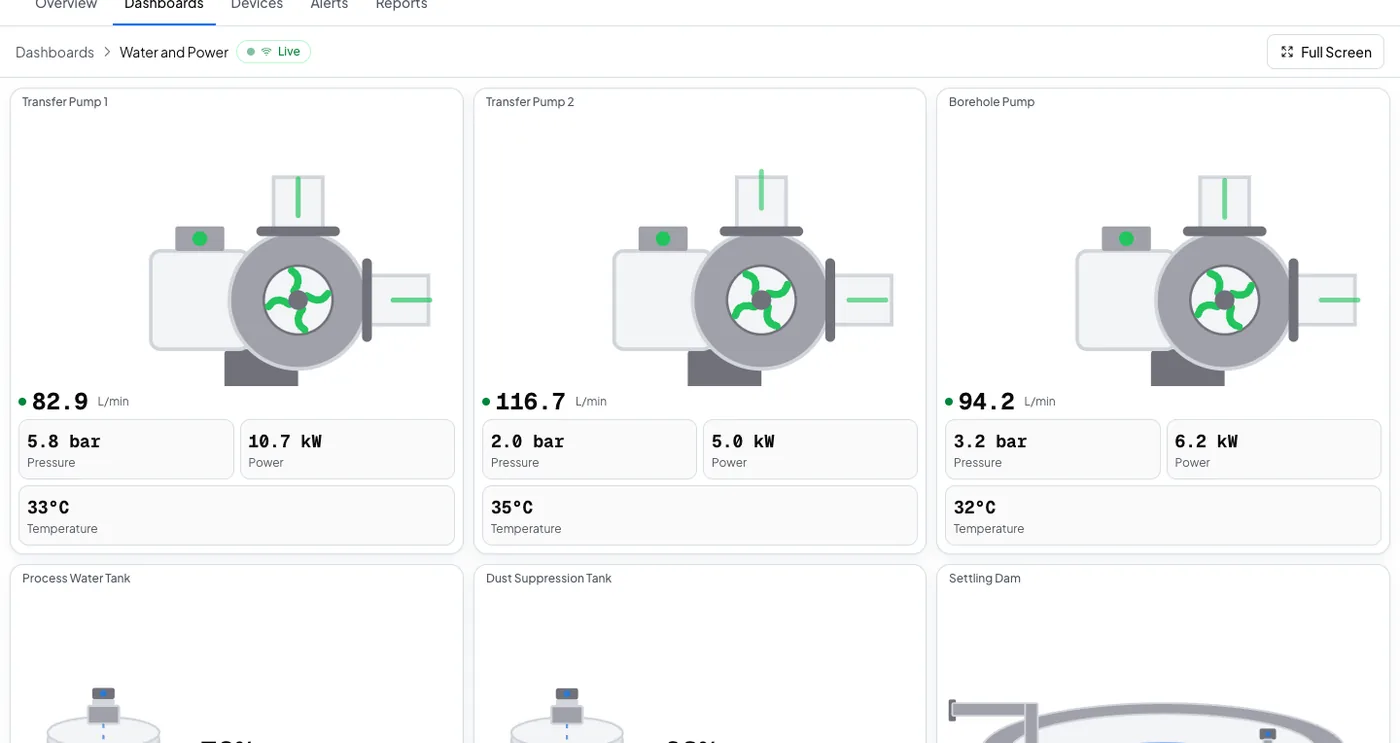
Pump operations
Pressure and flow over the week, with volume and uptime per pump, as a report you can schedule.
Frequently asked questions
Open the pump's Triggers tab, select Browse presets, and add Over pressure. Set the pump's maximum pressure on the device first: the alert fires at a share of that number.
Ninety percent of the maximum pressure you set for that pump, and it clears once pressure drops below 80 percent of it. Three agreeing readings in each direction, so one spike does not fire it.
The rule's recipients, by push, email and the in-app inbox. Acknowledging stops the reminders. If nobody acts, the escalation ladder tells the next person on the list.
Put this alert on your own pump
Set the pump's rated pressure once, and add the preset from the Triggers tab.