A silo running low
books its own delivery.
Load cells under the legs already weigh the silo. Logable watches that weight against the capacity you set, and tells the person who books deliveries.
Equipment
One silo, with load cells under its legs and a gateway on the weight indicator.
Silo
weight
The reading
- Metric
- weight (t)
- Source
- load cells under the silo legs
- Cadence
- every minute
The problem
Raw Meal Silo reads 76 t against a 400 t capacity on a Saturday afternoon. The delivery is booked on Monday morning, and the mill stops on Sunday night.
Running low on stock
Add it from the silo's Triggers tab, under Browse presets. It needs the silo's capacity, because the level it fires at is a share of that number.
running low on stock
Fires at 20% of the capacity you set for this silo. The recovery point sits 15 percentage points higher, well clear of a normal day's stock movement. A routine delivery cycle won't reopen the alert.
The response
The operator books a delivery. The alert names the silo and the weight in it, so the order is placed without opening a dashboard.
- Sent by
- push, email and the in-app inbox
- Who is told
- the rule's recipients
- Stops when
- somebody acknowledges
On your dashboard
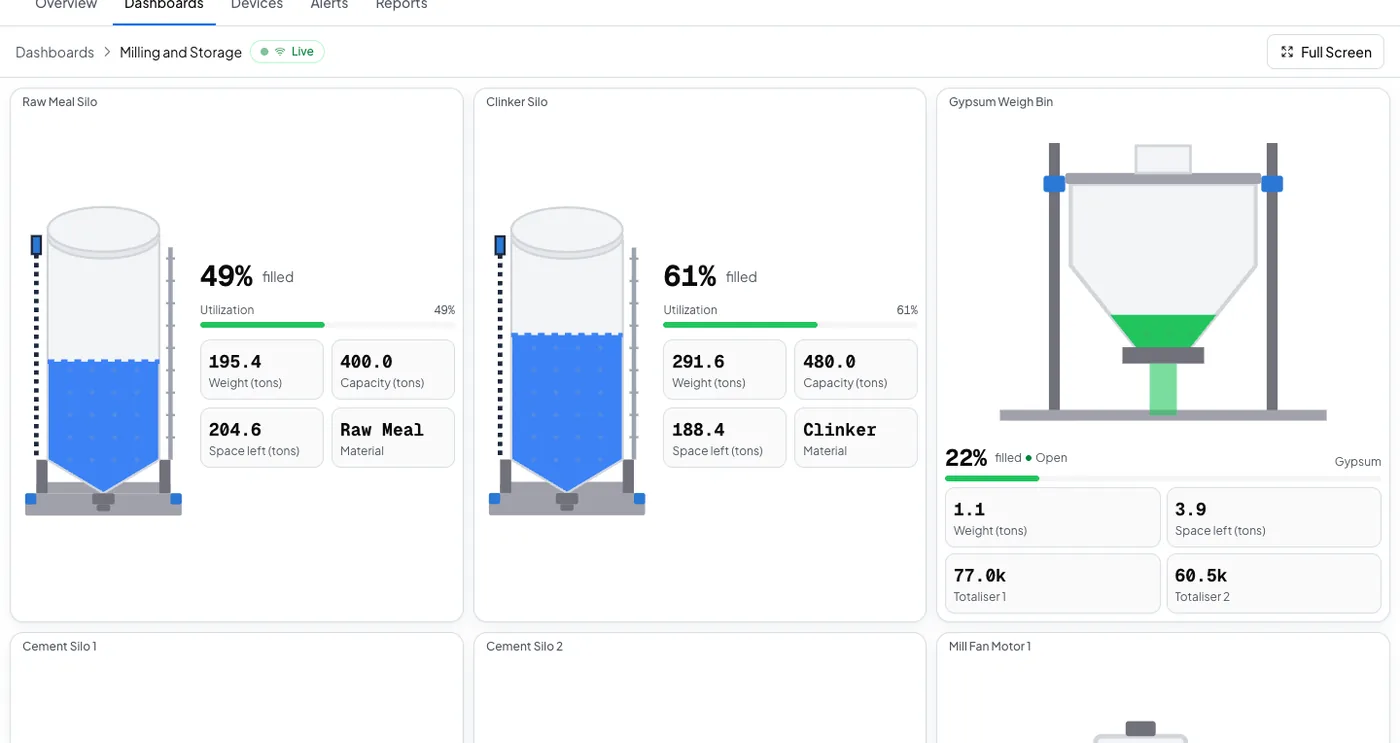
Silo and grain storage
Stock on hand, how it moved, and the total across every silo, as a report you can schedule.
Frequently asked questions
Open the silo's Triggers tab, select Browse presets, and add Running low on stock. It needs the silo's capacity, which you set when you added the device. Nothing else is configured.
A fifth of the capacity you set for that silo. It clears once stock is back to 35 percent, which is far enough above the firing point that one delivery does not reopen it.
The rule's recipients, by push, email and the in-app inbox. The reminders stop as soon as somebody acknowledges. If nobody acts, the escalation ladder tells the next person on the list.
Put this alert on your own silo
Connect the weight indicator through a gateway, set the capacity, and add the preset.