A device gone quiet
is the failure that looks healthy.
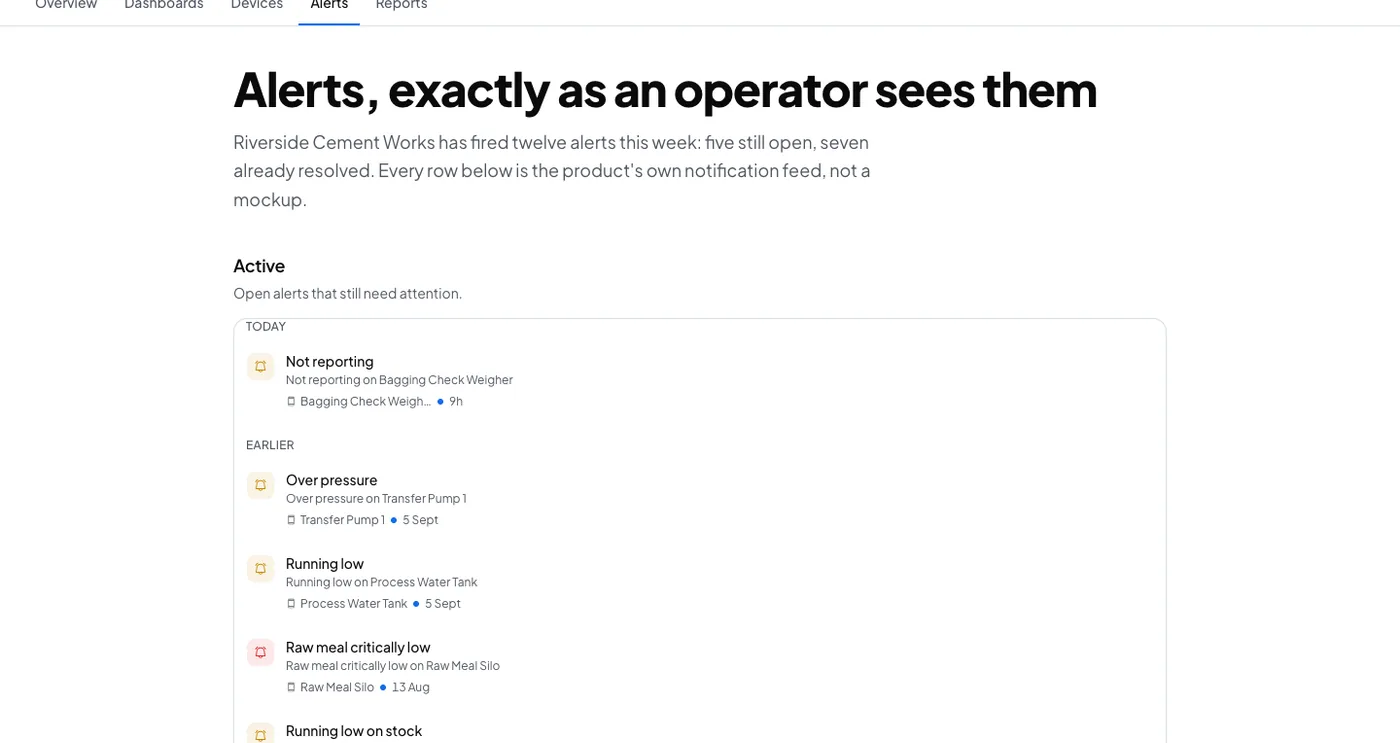
A dashboard showing the last reading looks exactly like a dashboard showing a live one. This is the alert that makes silence visible, and every device can have it.
Equipment
Any device that reports to Logable. The example here is a silo, and the preset applies to every device type.
Any device
weight · status
The reading
- Metric
- status (online or offline)
- Source
- the device's own check-in
- Cadence
- every reading the device sends
The problem
The 4G router at the outstation drops at 21:00. The dashboard keeps showing the last weight, which looks like a silo that is not moving. Nobody finds out until a delivery is missed.
Not reporting
Add it from any device's Triggers tab. There is no number to set: it watches whether the device is still checking in.
has stopped reporting
There's no number to set here. This preset watches whether the device is still checking in, and tells you the moment it goes quiet.
The response
Somebody checks the gateway, the SIM and the power at that site. The alert names the device that went quiet, and a second notification says when it comes back.
- Sent by
- push, email and the in-app inbox
- Who is told
- the rule's recipients
- Stops when
- somebody acknowledges
On your dashboard
Frequently asked questions
Open the device's Triggers tab, select Browse presets, and add Not reporting. It is the one preset every device type can have, and it needs no threshold, because there is no number to set.
Five minutes, or three times the device's own reporting interval when that is longer. A device that reports every ten minutes is not called offline after five.
The rule's recipients, by push, email and the in-app inbox. Acknowledging stops the reminders, and Logable tells you again when the device comes back.
Make silence visible on your own fleet
Add the Not reporting preset to every device that matters. It needs no configuration.